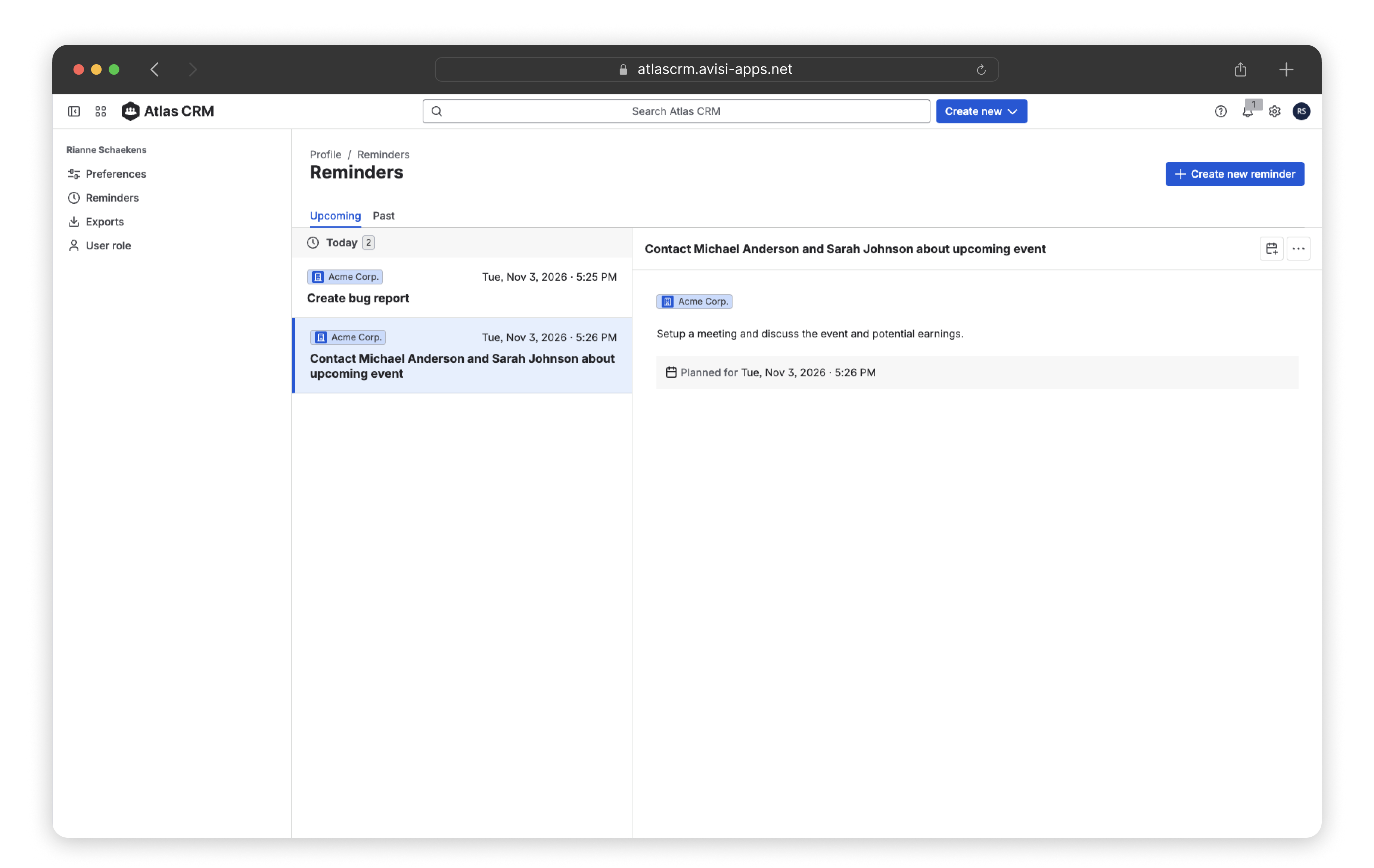
You can set up reminders for a company, contact or a sale to help you remember actions to be done. You can get notifications in Atlas CRM and via email. An overview of all upcoming and past reminders is also available.
Get started
You can create a reminder in three places. Choose the one that fits what you’re doing.
From the details page
Use this when you’re already working on a company, contact or sale.
-
Open the company, contact or sale.
-
Click + Add to [entity] and select Add reminder.
-
Fill in the details. You can assign a reminder to a coworker by changing the assignee. By default, it’s set to you.
-
You can save the reminder also to your calendar (select your preference in the dropdown), or just click Create reminder inside Atlas CRM.
From the overview tables
Use this to quickly set a reminder without opening the record.
-
In the Companies, Contacts or Sales overview, click More (⋯) in the row of the record.
-
Select Add reminder.
-
Fill in the details and save.
From the Reminders page
Use this to set a reminder while you’re reviewing your other reminders.
-
Click your profile picture in the top-right corner and select Reminders.
-
Click the + Create new reminder button
-
Fill in all the details, you’ll see the entity is not pre-selected from this view.
-
Fill in the details and save.
View all your reminders
Reminders show up in two places in Atlas CRM:
The Reminders widget on the Homepage
Shows your reminders as soon as you open Atlas CRM. The Homepage is personal, so you choose whether to show this widget. See Homepage
The Reminders page
Shows all your upcoming and past reminders. To open it, click your profile picture in the top-right corner and select Reminders.