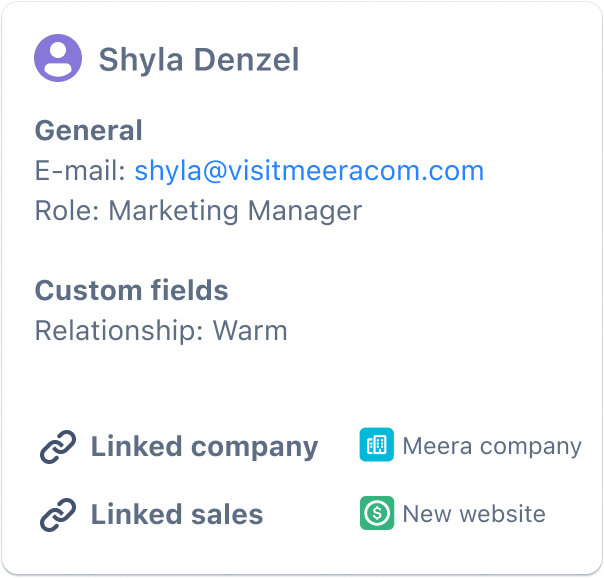
A contact can be created to manage all information regarding that contact. The information you can store on a contact can be customized to your needs by editing the contact template. Templates
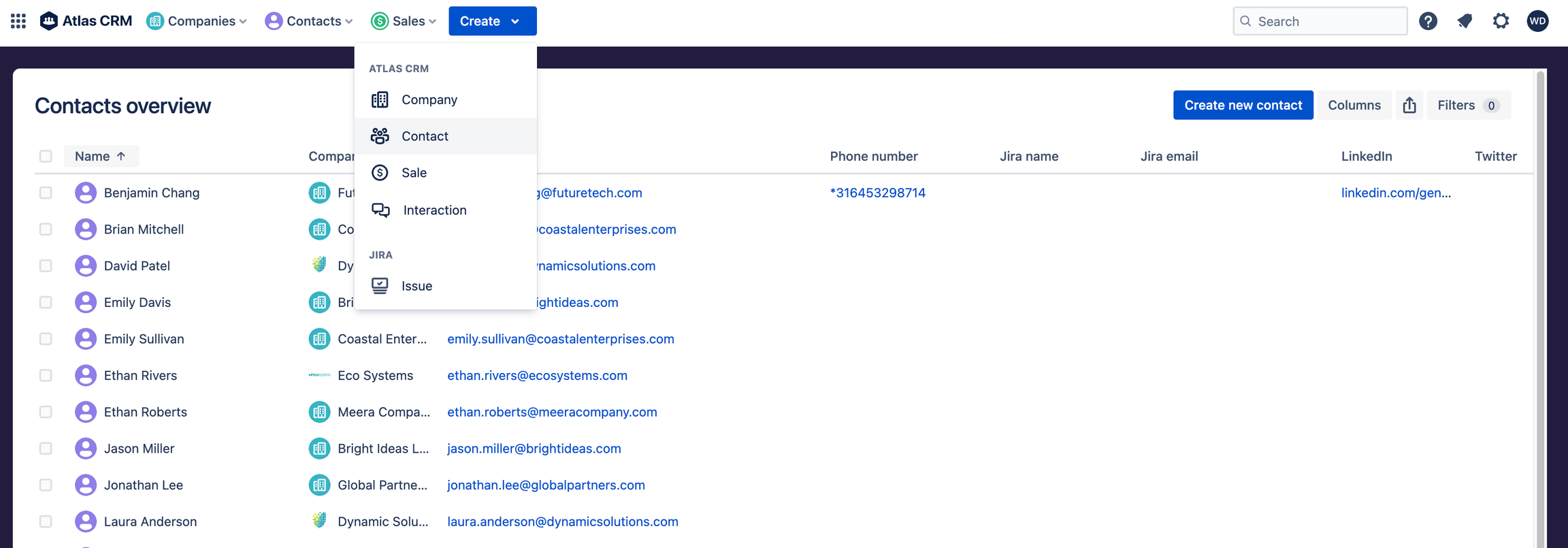
Creating a contact
A contact can be created from the main Create button in Atlas CRM:
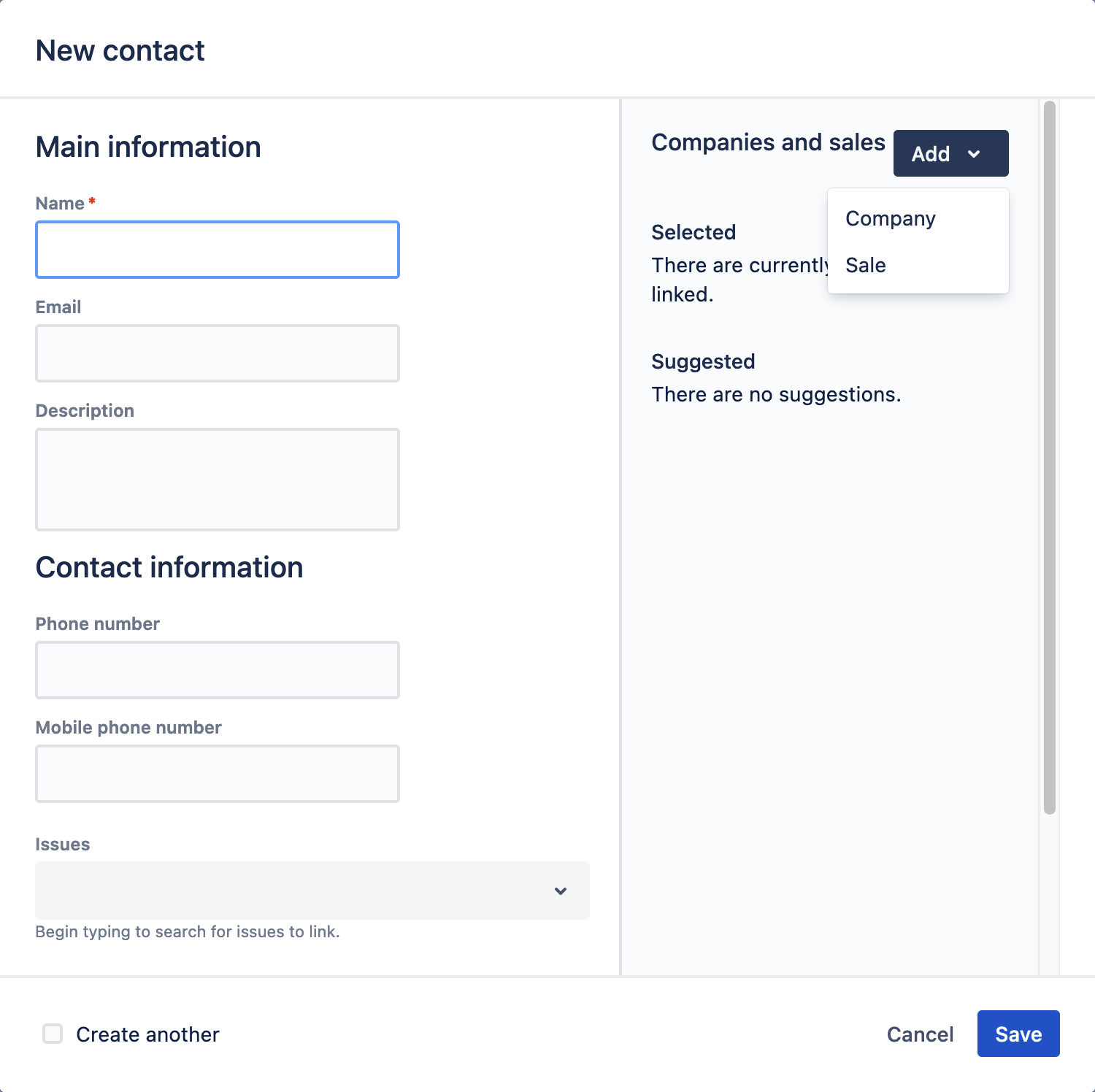
Linking
A contact can be linked to companies and sales in Atlas CRM. Linking a company to a contact shows a contact is working at that company. Linking companies and contacts to sales shows who is involved in a sale and which company is your (potential) customer.
Enhance information in Atlas CRM by relating Jira issues and Confluence pages to companies:
-
Linking Jira issues - Jira issues
-
Linking Confluence pages - Confluence pages
Dashboard
Opening a contact will give you a dashboard (or summary) of everything going on for that company. You can view the latest linked issues, updates on related Confluence pages and the latest comments of you or your colleagues on dashboards.
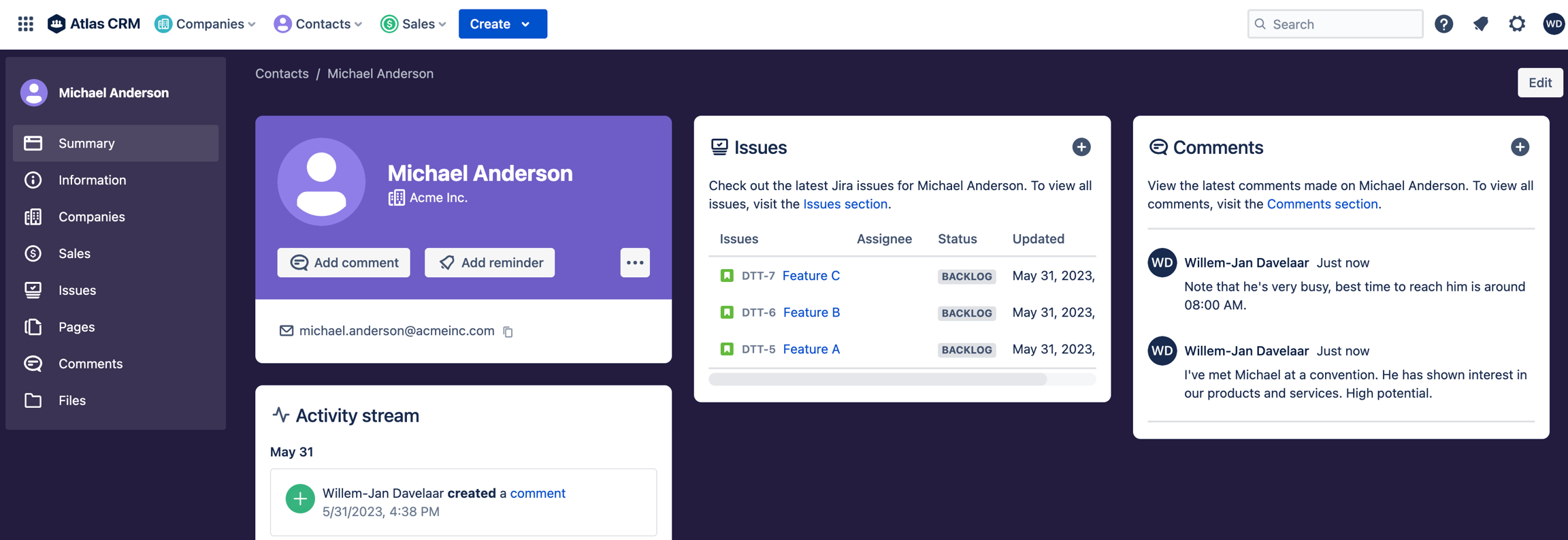
The dashboard also provides an activity stream, giving insight into a customer's (either company or contact) recent events, updates and other activities executed by you or your colleagues. This also works on a sale.
Interactions
Not all work done for customers is logged in Jira issues or Confluence pages, communication and contact with your customers can be logged in Atlas CRM as an interaction.
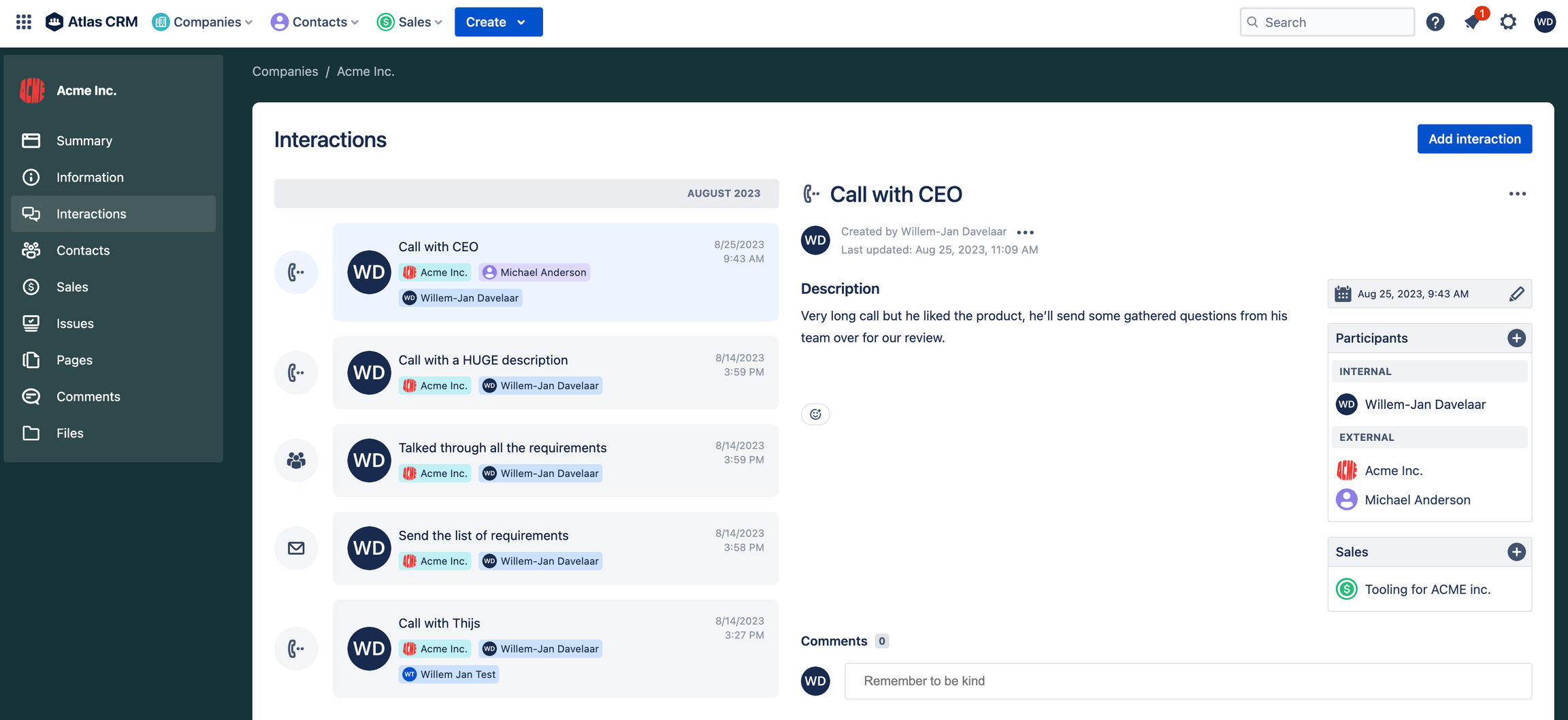
Interactions can be viewed in a timeline on that entity, where the tittle, date/time and participants can be viewed.
Reminders
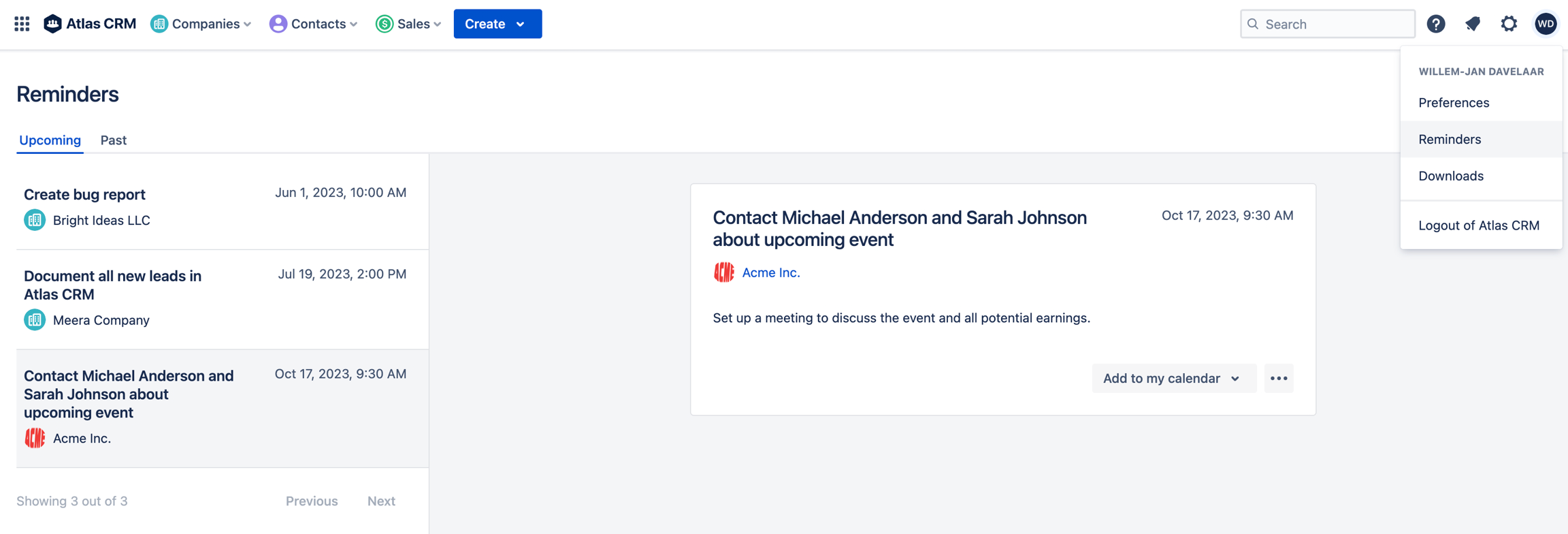
You can set up reminders for a company to help you remember actions to be done.
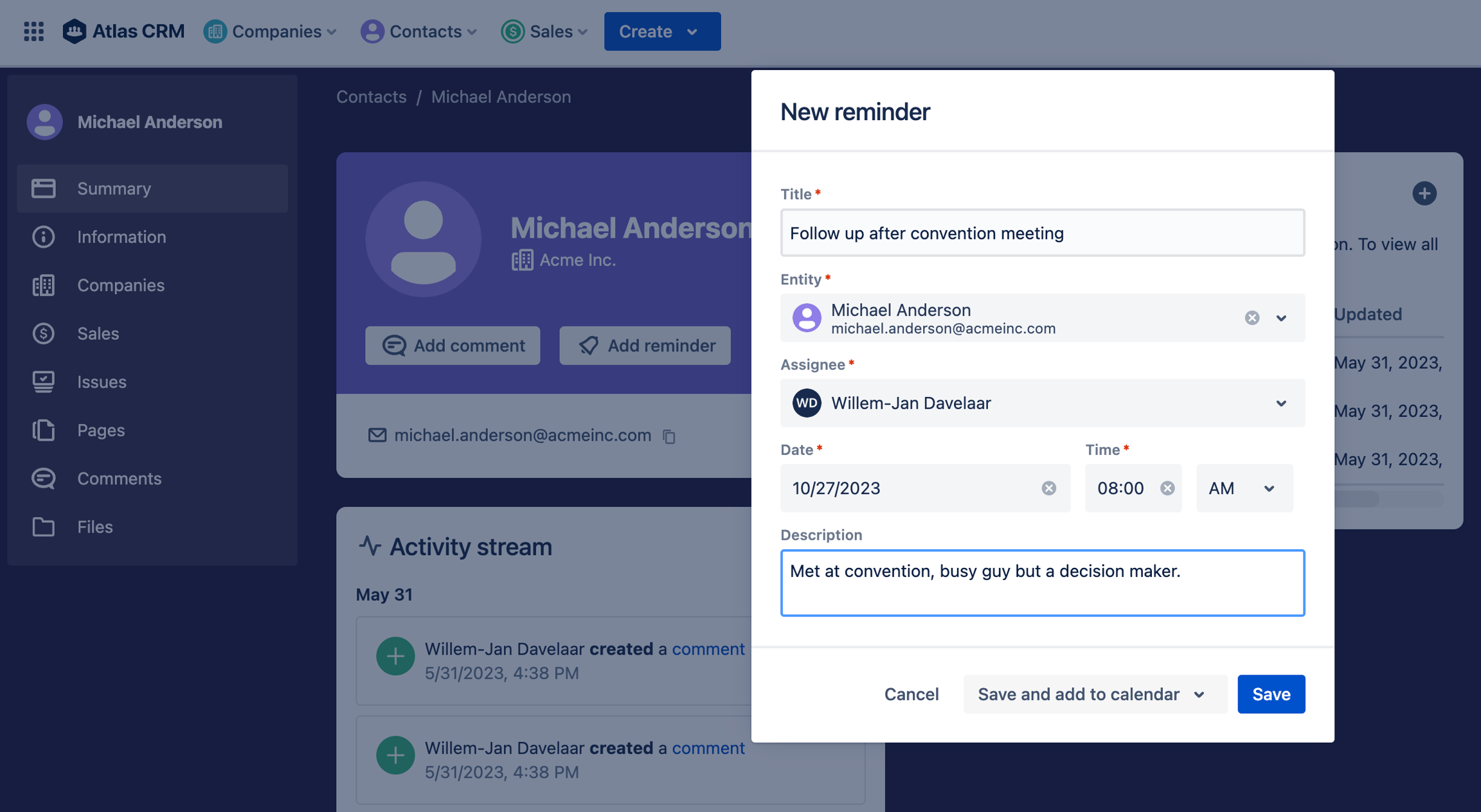
An overview of all upcoming and past reminders is also available.