
Manage custom fields for Jira allows a project admin to create an isolated context for one project specific. Within the project settings, navigate to Custom Field Values. Choose to edit a field and the following screen will appear:
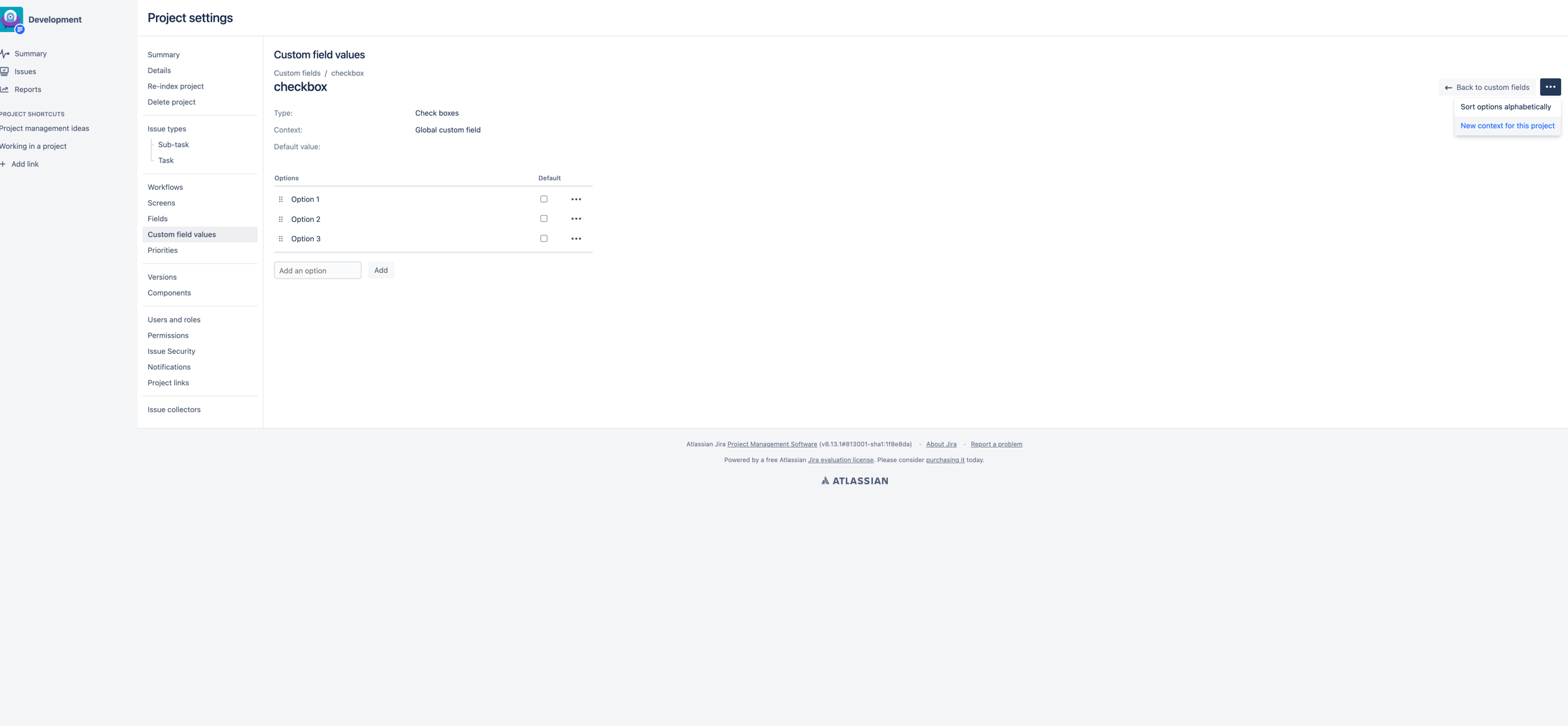
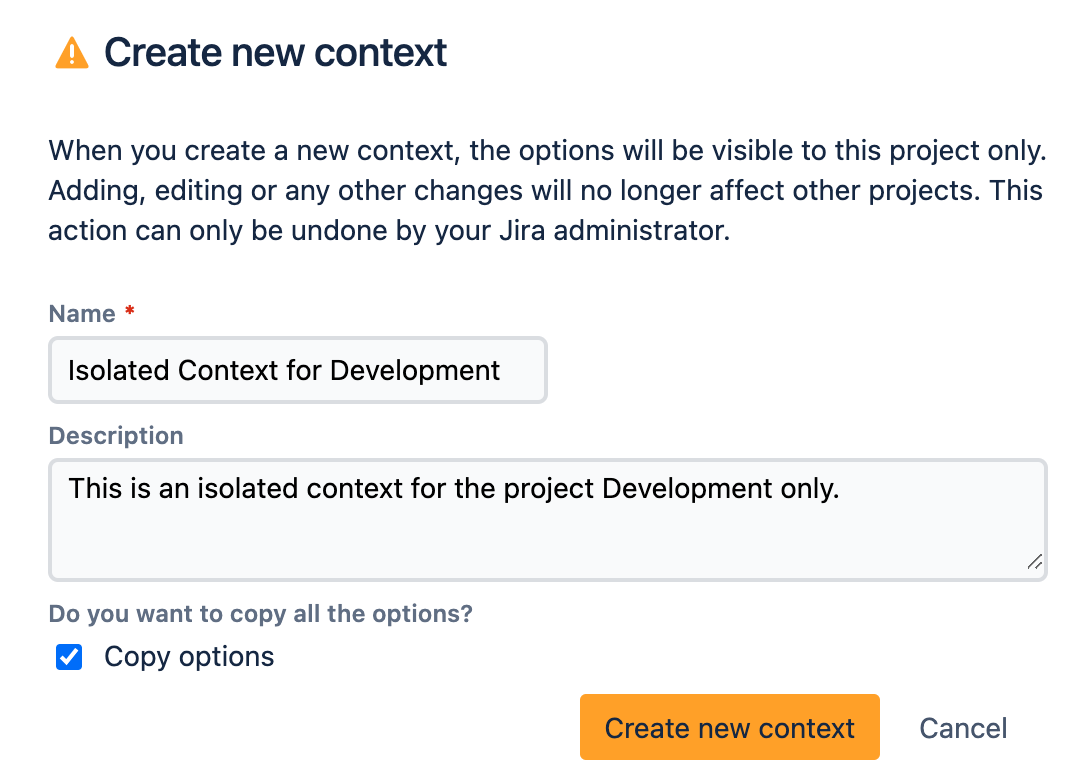
By clicking on "New context for this project" you will receive the following message:
Make sure to describe the new context in a way that is clear that is used for this project only.