
Follow the steps described below to create a new context for a custom field:
-
Navigate to Manage Custom Fields in your space
-
Select the field you would like to create a new context for (note: it must be global context)
-
You will receive a warning message that you can't edit this custom field
-
Press create new context
-
The following pop-up will appear:
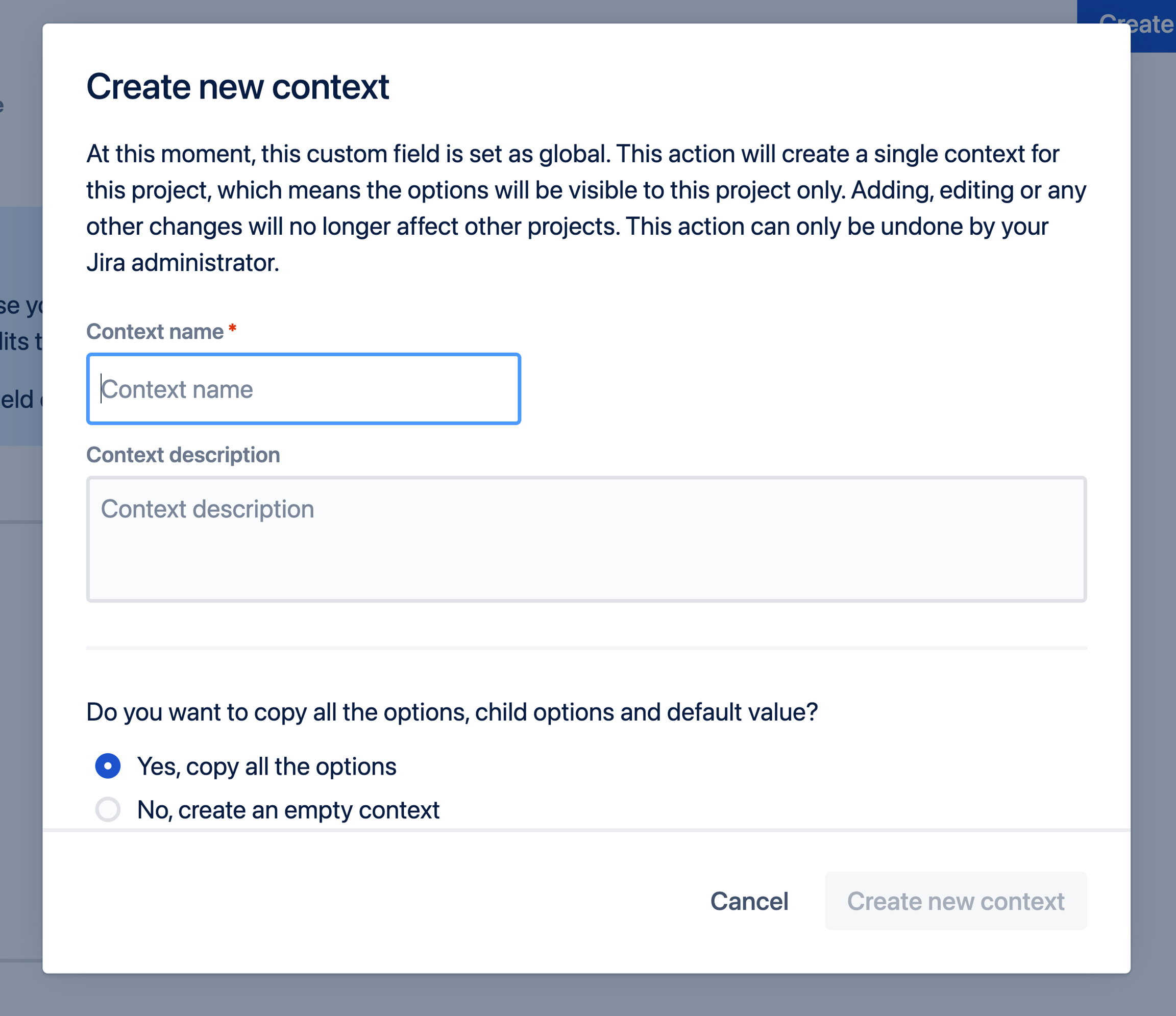
You can give the context a specific name to remind you for which space this context is meant. You can choose whether you want to copy all options that were already available in the custom field.