
Adding a repository
-
Log in as an administrator.
-
Navigate to Settings and choose Add-ons or Apps.
-
Find Git for Confluence in the menu on the left and choose Configure Git Servers.
-
Click on the name of the Git server you want to configure
-
Choose New Repository
-
Enter the details, name and URL
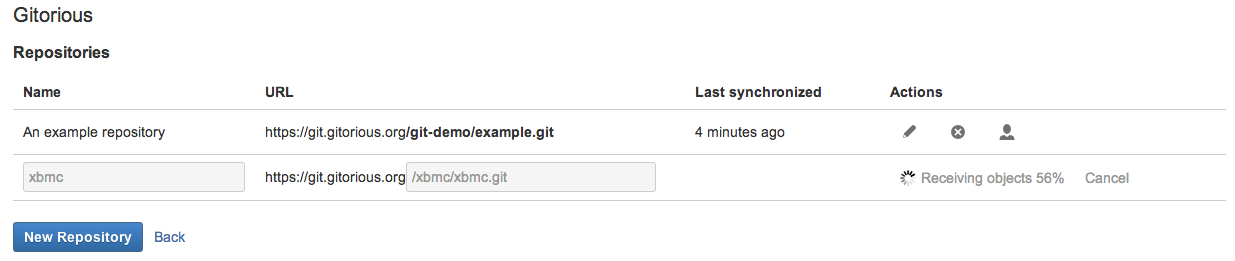
Repositories are cloned entirely, this may take a while!